
My first ChatGPT answer was bland. Mine was the problem.
How to prompt ChatGPT for better answers - one non-coder's turnaround story, from a bland February 2024 reply to the August moment it finally clicked.
The first time I typed into ChatGPT, I sounded like a tourist
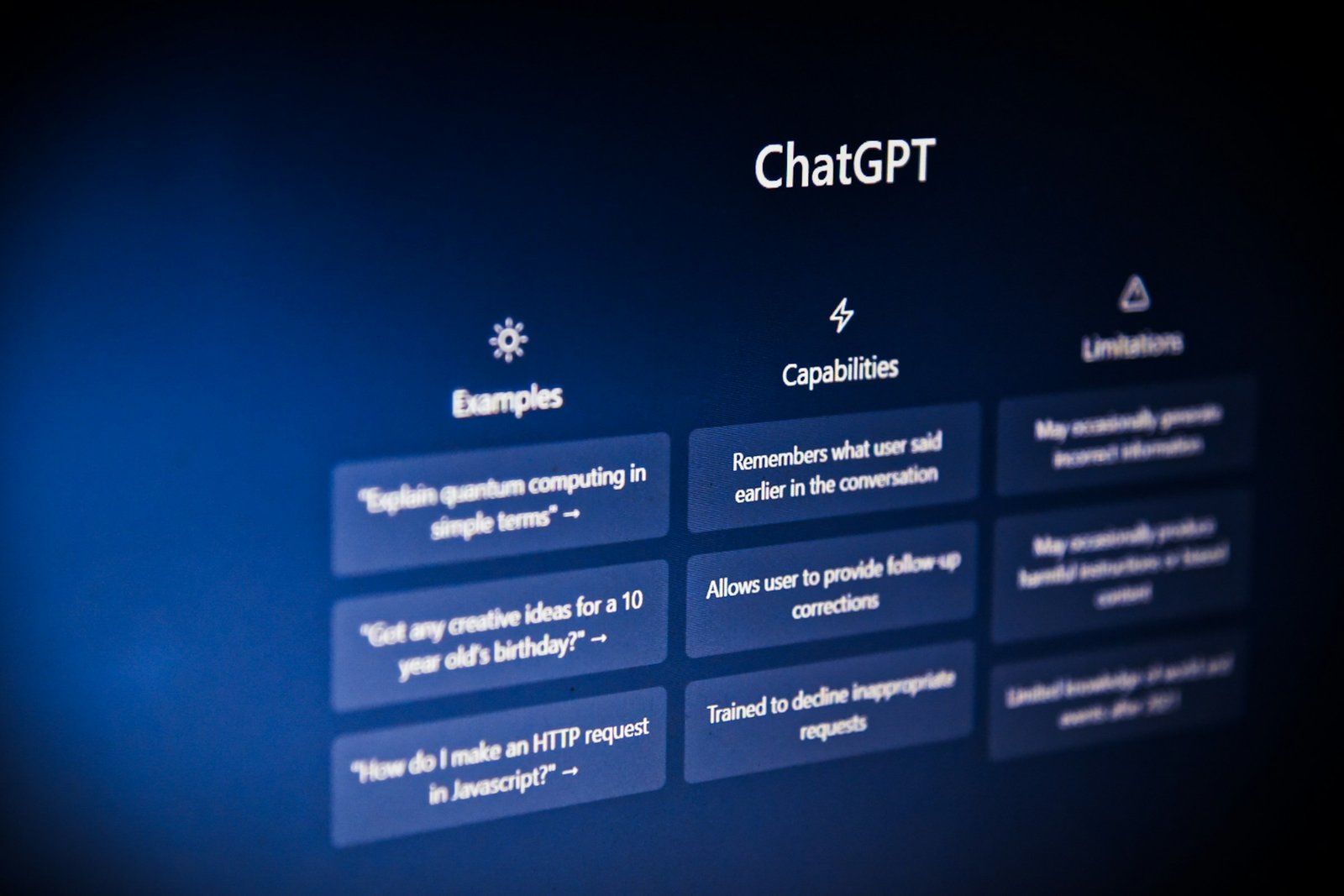
In February 2024 I opened ChatGPT for the first time and treated it like a Google search bar. Three or four keywords, a question mark, enter. The answer came back fluent, generic, useless. I closed the tab. For about a week I told anyone who would listen that AI was overhyped.
What I did not see at the time: I was the problem.
Think of it this way. You speak English and you go to another country where they also speak English. You order coffee, ask for directions, complain about the weather, and most of it works. Then you slip in a bit of jargon from back home, the kind of phrase that does not even register as jargon to you, and the person across the counter blinks. They speak the same language. They do not speak your language.
That was me with ChatGPT. I was using the same words I would have used in a Google query, and I expected the tool to fill in everything I had not said. My role. The customer I was thinking about. The deadline. The half of the problem I had already ruled out. None of it was on the screen, so none of it was in the answer.
The bland reply was not the model being dumb. It was the tool answering the prompt I wrote, not the prompt I thought I was writing. Small distinction. Whole post.
This is not a tech story any more, and the data agrees
If you walked off in 2023 or 2024 like I did, the easy assumption is that you are late. You are not. The room you walked out of is the room everyone is in.
A 2025 Pew Research report says In two years, the share of employed adults who say they use ChatGPT for work has risen by 20 percentage points to 28%. Gallup's June 2025 tracker reports that The percentage of U.S. employees who say they have used AI in their role a few times a year or more has nearly doubled, from 21% to 40%. A working paper from Bick, Blandin and Deming at the NBER puts the population number even higher: As of late 2024, nearly 40 percent of the U.S. population age 18-64 uses generative AI.
The starting line was not flattering. Gallup's 2024 baseline found that Only 6% of employees feel very comfortable using AI in their roles, while about one in six employees (16%) are very or somewhat comfortable using AI. If you tried it once and felt awkward, you were sitting with the majority. The shift since then has shown up across the white-collar workforce, not just in tech.
My own arc is the same shape. I tried it in February 2024, walked off, came back in August 2024, and that second time I stopped searching and started talking. The first month after the click is when the tool started compounding my work.
ChatGPT has no muscle memory, that is why your prompt was bland
Here is the metaphor that finally helped me. Imagine that AI is a small child that has just walked into the room. It does not know who you are. It does not know what you do. It does not know the customer you are angry about, the deck you are late on, or the fact that the same client asked you a similar question six months ago. It has language and a lot of reading behind it, and that is it.
In the human world we have a lot of muscle memory. When my colleague pings me on Teams asking "can you check that mapping again?", I do not need her to tell me which mapping, which product, which build. Years of context fill in the blanks for both of us. AI does not have that subconscious. AI does not have muscle memory.
So if you ask AI a question the way you would ask a colleague, you are leaving out the part of the brief that does the real work. The role you are playing. The audience you are writing for. The thing you have already tried. The constraint you cannot cross. None of that is in the prompt, so none of it is in the answer, and you walk away thinking the tool is shallow.
Some people call this prompt engineering. I do not love the phrase, because it makes the skill sound like something with a manual and a certification. King's College London's Oguz Acar, in HBR, put it cleaner than I can: without a well-formulated problem, even the most sophisticated prompts will fall short. The skill is not in the prompt. The skill is in knowing what you are asking.
Two sides of the coin: the prompt is biased, not the AI
A reader I respect pushed back when I tried this argument out loud. She said, fine, but is ChatGPT not just biased? You can feel it in the answers.
I used to think that too. I changed my mind, with a caveat I will get to in a second.
If you have been asking AI about one single side of something, you will get the one side back, because that is what was in the question. Ask about why a project is failing without ever mentioning what is going right, and the answer will read like a eulogy. Ask about whether a feature is worth building without naming the customer, the cost, or the alternative, and you will get a confident-sounding shrug.
The bias you feel is often the bias in the question. Two sides of the coin. If you only show one, the response is one-sided.
The caveat I owe you is honest. The training data behind these tools is not perfectly neutral either, and that is a real, longer conversation about who built the corpus and what is over- and under-represented in it. I am not waving that away. It is a separate post. Even before model-level bias, most of the bias non-technical users feel day to day is sitting in their own prompt.
The University of Melbourne and KPMG's 2025 global research found that Many rely on AI output without evaluating accuracy (66%) and are making mistakes in their work due to AI (56%). Most of those mistakes are not the model being evil. They are users skipping the verification step a smart colleague's draft would also need.
What good prompting actually looks like, one before-and-after
The most common blocker, per Gallup's 2025 tracker, is unclear use case or value proposition in the user's own job. I know that feeling. The reason I had it in February 2024 was that I had not given AI any version of my job to chew on. Here is what AI prompting for beginners looks like once you fix that, with a small example from my own week.
The bland version
Summarise this stakeholder interview transcript.
That is what I would have typed in early 2024. The reply: a competent, three-paragraph summary that read like the back cover of a book I had not finished. Useful for nothing in particular.
The version with background, role, and both sides
You are a business analyst at a pharma IT company. I am about to write a requirements document for a new clinical data review feature. Below is a 40-minute interview transcript with the head of clinical operations. Pull out the three things she clearly wants, the two things she said no to, and the one thing she contradicted herself about. For each, give me a one-line quote from the transcript.
Same transcript. Same model. The second answer told me which paragraph of the document I needed to rewrite before showing it to anyone.
The shape is not a framework with a name. It is three things. Background, so AI knows the world the question lives in. Role, so it knows whose voice to think in. Both sides of the coin, so it does not flatten the answer to whatever sounded most confident in the training data.
For non-technical professionals, none of this is hard. It is also not optional. A user quoted in HBR's 2025 ranking of how people use gen AI put one of the top use cases like this: I just asked it to create a timeline for me to clean and organize my house before we have guests staying. That is the unlock. The person did not study prompting. They told the tool what was happening, what they wanted, and by when. Background, role, both sides of the coin.
What you'll get wrong in the first month, and why that's the point
I will not pretend the first thirty days are clean. I tried ChatGPT and it wasn't useful for me at first either, and the reason was not bad prompts alone. I trusted answers I should have checked, and skipped answers I should have trusted. The literacy is the loop, not the first try.
You will get a fluent, confident, wrong answer at some point in the first month. That is the most important moment. It is where you learn to read AI output the way you read a junior colleague's draft: useful, often right, never the final word.
A bit of honest displacement context, because it is a real worry. A Brookings analysis of occupational tasks found that More than 30% of all workers could see at least 50% of their occupation's tasks disrupted by generative AI. Tasks, not jobs. The shape of the workday changes. There is already a measurable signal in the freelance market: in an HBR write-up by Demirci, Hannane and Zhu, After the introduction of ChatGPT, there was a 21% decrease in the weekly number of posts in automation-prone jobs compared to manual-intensive jobs. If your job is mostly cognitive and mostly routine, the muscle you build now is the one that stops you being on the wrong side of that curve.
The other failure mode lives inside the answer itself. Boston University's Chrysanthos Dellarocas, in an HBR essay, warns that By smoothing out how managers describe performance, these systems can make evaluations feel more consistent and credible than they are. Fluent is not the same as right. The literacy is learning to feel the difference.
AI is an ocean, jump in
The reassuring part of the data, for someone reading this who is not an engineer, is that the lift lands hardest on people like you. The canonical field experiment on this is Brynjolfsson, Li and Raymond's NBER paper on 5,179 customer-support agents: Access to the tool increases productivity, as measured by issues resolved per hour, by 14% on average, including a 34% improvement for novice and low-skilled workers but with minimal impact on experienced and highly skilled workers. The non-expert gets the bigger jump. That has been my experience too, in a job where I am not the smartest person in any one room.
AI is an ocean of unknown. Jump in and swim through it.
Tonight, open the tool, write one prompt with background, role, and both sides of the coin, and watch what changes. That is the whole skill. Once you learn how to prompt, you have won it all.
Try it yourself: the Context Generator
If the background-and-role idea clicked but you are not sure how to actually shape it into a prompt, I built a small utility on this site that walks you through it. The Context Generator takes a rough idea and returns an advanced, model-ready prompt in the Role / Objective / Background / Data shape, the same shape this whole post is arguing for. Login with your Google account, enter your prompt, click on generate context prompt and boom you have the advanced prompt generated in the right panel and you can now use it with ChatGPT or Gemini to get you the desired results.
More field notes you may like.
I asked AI for the weather and it made something up.
Prompt grounding is the craft move that turns a made-up AI answer into an accurate one. Point the model at a named source, not stale training data.
Read post →
I was an AI skeptic until I treated my brain as an algorithm
For two years I called AI fake intelligence. Then I learned AI is only as good as the input, and the human brain is also an algorithm on experience.
Read post →
I asked AI to fix 120 pages. The false positives were on me.
Context engineering vs prompt engineering, told through a 120-page proofread that came back in five minutes with false positives I had to throw out.
Read post →